
Key Points
Here are 10 must-have Mac apps for productivity Todoist: Keep track of tasks and projects with this powerful to-do list app. Todoist allows you to create tasks, set due dates, and assign priorities. You can also organize tasks into projects and collaborate with others. Evernote: Take notes, organize ideas, and keep track of important information…
Here are 10 must-have Mac apps for productivity
Todoist:
Keep track of tasks and projects with this powerful to-do list app. Todoist allows you to create tasks, set due dates, and assign priorities. You can also organize tasks into projects and collaborate with others.
Evernote:
Take notes, organize ideas, and keep track of important information with Evernote. This app lets you store notes, images, and web clippings in one place, making it easy to find what you need later on.
Trello:
Collaborate with others and stay on top of projects with Trello. This app lets you create boards, add cards, and assign tasks to team members. You can also add due dates, comments, and attachments.
Slack:
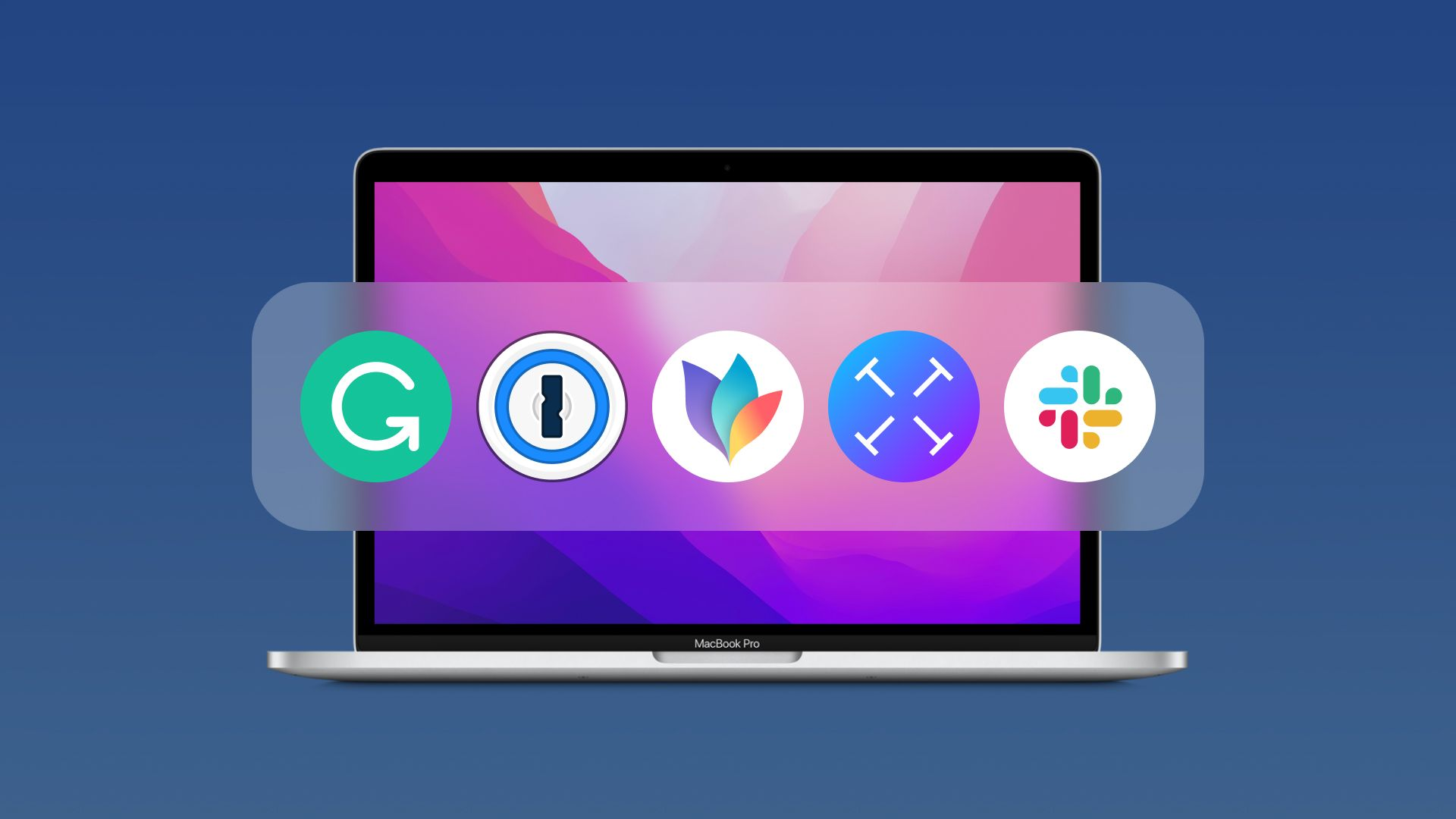
Communicate with team members and stay on top of projects with Slack. This app allows you to create channels, send direct messages, and share files. You can also integrate with other tools, such as Trello and Google Drive.
Google Drive:
Store and share files with Google Drive. This cloud storage service allows you to store documents, images, and videos in one place. You can also collaborate on files with others and access them from any device.
Focus@Will:
Increase productivity with Focus@Will. This app provides background music that is designed to help you focus and stay on task. You can choose from different genres of music and adjust the tempo and intensity to suit your needs.
1Password:
Manage passwords and keep your accounts secure with 1Password. This app allows you to create and store strong passwords for all your accounts. You can also use it to generate secure passwords and share them with others.
Alfred:
Increase efficiency with Alfred. This app lets you launch apps, search the web, and perform other tasks with keyboard shortcuts. You can also create custom workflows to automate repetitive tasks.
Grammarly:
Improve your writing with Grammarly. This app provides real-time grammar and spelling checks as you type. It also offers suggestions for improving style and clarity.
RescueTime:
Track time and increase productivity with RescueTime. This app lets you see how you spend your time on your computer and offers insights into your productivity habits. You can also set goals and receive alerts when you exceed them.
Related Posts

Web Designer Billericay: Expert Solutions for Your Digital Success
In the modern business landscape, having a professional, visually appealing, and functional website…

Complaint Management Software – The Best Tool to Manage All Tickets in One Place and Increase Customer Satisfaction
It is incredibly crucial in the current world market, where firms are competing…

Benefits of Choosing Professional UK Website Developers – IM Web Design Marketing
Choosing professional UK website developers offers numerous advantages, such as unique, high-quality designs…
