
Key Points
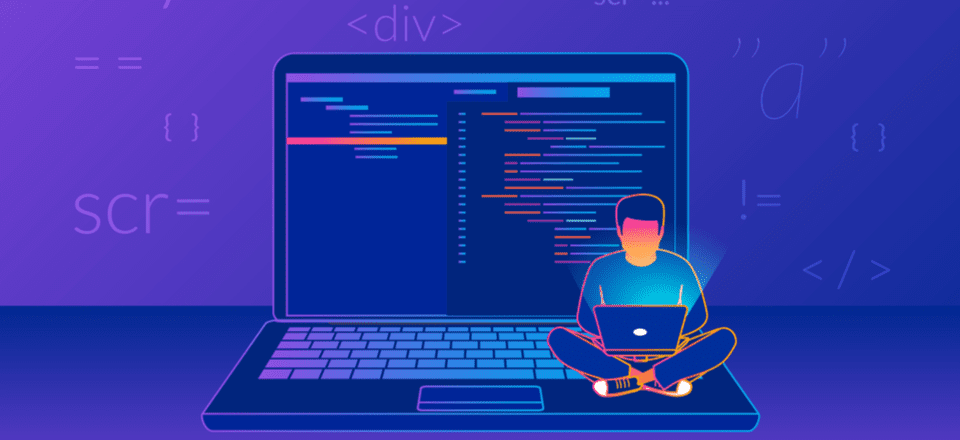
Introduction:Code editors are essential tools for web developers. They help you write, edit, and manage your code more efficiently, and some even come with features that make development easier, faster, and more enjoyable. With so many options out there, it can be overwhelming to choose the right code editor for your needs. In this article,…
Introduction:
Code editors are essential tools for web developers. They help you write, edit, and manage your code more efficiently, and some even come with features that make development easier, faster, and more enjoyable. With so many options out there, it can be overwhelming to choose the right code editor for your needs. In this article, we will take a look at some of the best code editors for web developers.
Visual Studio Code:
Visual Studio Code, also known as VS Code, is a free and open-source code editor developed by Microsoft. It is highly customizable, and it supports a wide range of programming languages, including HTML, CSS, JavaScript, and many more. VS Code comes with a variety of features that make coding easier, such as IntelliSense, which provides code completion, debugging, and code navigation.
Sublime Text:
Sublime Text is a popular code editor that is known for its speed and ease of use. It is available for Windows, macOS, and Linux, and it supports many programming languages, including HTML, CSS, JavaScript, and more. Sublime Text is highly customizable, and it comes with a variety of features such as multiple cursors, split editing, and syntax highlighting.
Atom:
Atom is an open-source code editor developed by GitHub. It is highly customizable and supports a wide range of programming languages, including HTML, CSS, JavaScript, and more. Atom comes with a variety of features, such as smart autocompletion, multiple panes, and built-in package management.
Brackets:
Brackets is a free and open-source code editor developed by Adobe. It is designed specifically for web development and comes with features that make coding easier, such as inline editing and live preview. Brackets supports HTML, CSS, and JavaScript, and it is highly customizable.
Notepad++:
Notepad++ is a free and open-source code editor for Windows. It supports many programming languages, including HTML, CSS, JavaScript, and more. Notepad++ is known for its speed and ease of use, and it comes with features such as syntax highlighting and code folding.
Conclusion:
Choosing the right code editor can make a big difference in your productivity and the quality of your code. Each of the code editors listed above has its own strengths and weaknesses, and the best one for you will depend on your personal preferences and the specific needs of your project.
Related Posts

Web Designer Billericay: Expert Solutions for Your Digital Success
In the modern business landscape, having a professional, visually appealing, and functional website…

Complaint Management Software – The Best Tool to Manage All Tickets in One Place and Increase Customer Satisfaction
It is incredibly crucial in the current world market, where firms are competing…
Benefits of Choosing Professional UK Website Developers – IM Web Design Marketing
Choosing professional UK website developers offers numerous advantages, such as unique, high-quality designs…
